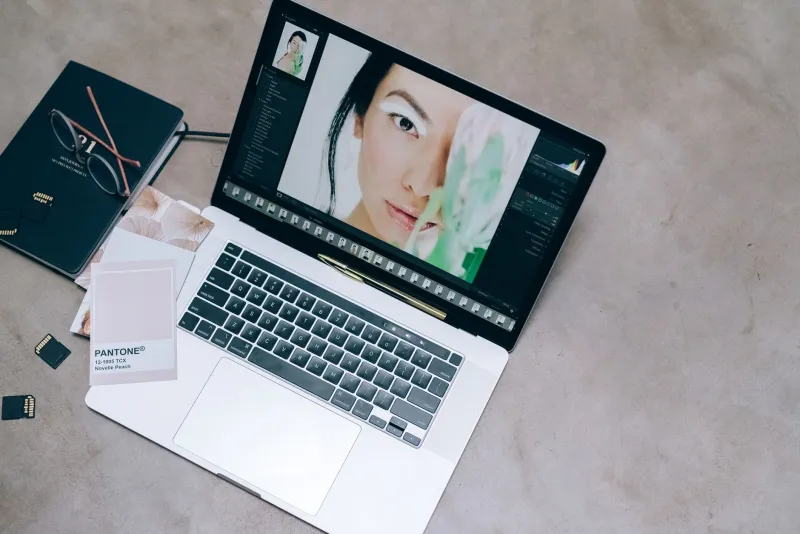
Steal These Film Color Tricks: The Secret to Photos That Don't Look Washed Out
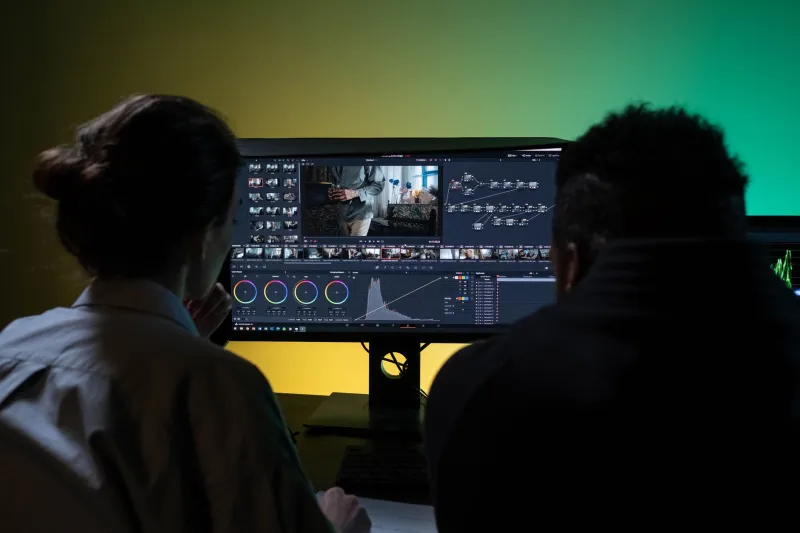
You've been there. You shoot a photo, it looks decent on your camera screen, then you pull it up on your laptop and it's… fine. Technically fine. But it has all the visual excitement of a beige waiting room.
Here's the thing: cinematographers solved this problem decades ago. Every frame of a movie you love has been deliberately color graded to control your emotions. And the good news? Those exact techniques work on your food photos, your fashion flatlays, and your lifestyle content — no film school required.
Why Your Photos Look Flat in the First Place
Cameras are designed to capture "accurate" color, which is a polite way of saying boring. Real life is lit by a messy mix of daylight, fluorescent tubes, and whatever your phone's auto white balance decided at 2 PM. The result is an image where everything sits in the middle: neutral-ish tones, no color contrast, no mood.
Film looks cinematic because it does the opposite. It pushes colors apart, compresses what doesn't matter, and exaggerates what does. Once you understand that, the fixes become obvious.
The Teal-and-Orange Look (Yes, It Still Works)
The most famous grade in Hollywood — think Transformers, Mad Max: Fury Road, half the streaming catalog — pairs cool teal shadows against warm orange skin tones. It works because skin tones and their complement create maximum separation.
In Lightroom (paid or free mobile):
- Drop highlights slightly (-10) and lift shadows (+15) for that filmic softness.
- Go to Color Grading (Color Mixing on older versions). Push shadows toward teal: hue around 200, saturation 15-20.
- Push highlights toward orange: hue around 40, saturation 10-15.
- Keep midtones neutral so skin doesn't turn alien.
In GIMP (free):
- Use Colors > Curves to gently lift the blue channel's shadows and the red channel's highlights.
- Desaturate everything except reds and oranges by about 10% — this makes warm tones pop without any color wheel gymnastics.
The key is restraint. Saturation values above 25 on shadows is how you get the dreaded "Instagram 2016" look.
Muted Pastels: The Wes Anderson Route
Not every niche wants punchy contrast. Food bloggers and lifestyle creators often do better with soft, desaturated palettes — think pastel pink bakeries in Portland or a linen-heavy capsule wardrobe feed.
The formula:
- Pull overall saturation down to about -20.
- Lift the blacks significantly using the curve's bottom-left point — this creates the hazy, faded-film base.
- Add a split tone: soft yellow-green in shadows, blush pink in highlights, both under 10% saturation.
- Slightly reduce clarity or texture to smooth out harsh edges.
This look is forgiving, too. It hides sensor noise, uneven lighting, and the fact that you shot at your kitchen table at 11 PM.
LUTs: The Shortcut Worth Using (Carefully)
LUTs (lookup tables) are preset color transformations — the same ones colorists apply to movie footage. Free packs from sites like RocketStock and Mixkit work in Photoshop, Lightroom, and even CapCut for your social graphics.
The mistake most creators make: slapping a LUT on at 100% opacity and calling it a day. Instead:
- Fix your exposure and white balance first. A LUT on a badly exposed image is lipstick on a flat tire.
- Apply the LUT at 40-60% opacity.
- Adjust from there. A LUT is a starting point, not a finished grade.
What This Looks Like Across Niches
Food: Warm highlights, slightly cool shadows, and a gentle vignette. Push reds and oranges up in saturation — that's what makes a burger look like the commercial version.
Fashion: High contrast, desaturated everything except skin tones, and a cool cast in shadows. This is the editorial magazine look.
Lifestyle/travel: Lifted blacks, muted greens (drop green saturation, shift hue toward yellow), warm midday highlights. Instant Golden Hour, even at noon.
Build Your Own Signature Look Once, Then Reuse It
The real pro move isn't any single technique — it's consistency. Save your grade as a preset, apply it across an entire campaign or feed, and suddenly your content looks intentional instead of assembled. That cohesion is what separates creators who look professional from creators who just look busy.
Flat photos aren't a talent problem. They're a workflow problem — and now you have the workflow.